
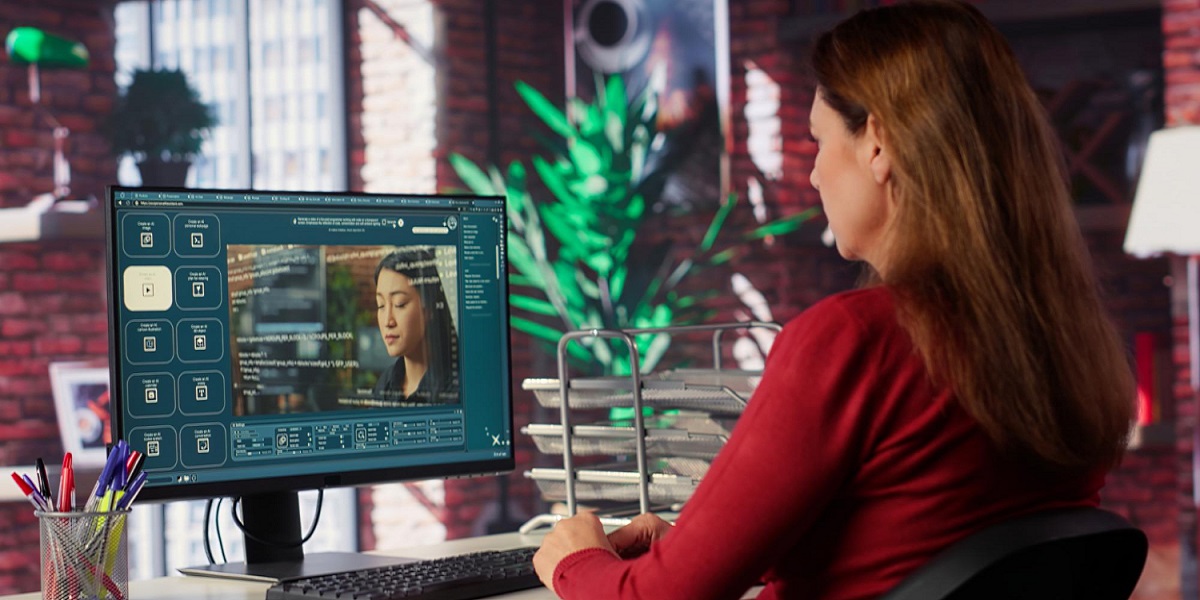
Image to Video AI Is hogging the limelight — Here's What You Can Do with It
- By Deevid
- 29-07-2025
- Artificial Intelligence
The landscape of content creation is revolutionizing at historic speed—and one of the biggest of these revolutions in 2025 is Image to Video AI. This state-of-the-art technology takes static images and transforms them into action-packed video content with advanced artificial intelligence. The result? Anyone can now create stunning, dynamic videos without a camera, video editing software, or experience in video creation.
From social media influencers to educators, marketers to memory-keepers, people are embracing this tool to animate ideas, drive engagement, and even go viral. In this article, we’ll explain what Image to Video AI is, how it works, and what it can do for you.
What Is Image to Video AI?
Image to Video AI utilizes generative AI technology to animate a still image—typically by adding camera motion, adding simulated depth, facial expression animation, or image compositing to mimic scene cut. It is not a slideshow; it's real animation that can replicate cinematography style through:
- Zoom-ins and pans
- Simulated depth-of-field
- Dynamic lighting and shadows
- Slow motion or time-lapse
- Realistic face movement and lip sync (for portraits)
These AI programs analyze the geometry, illumination, and semantic structure of the picture, and then predict and generate a plausible sequence of frames imitating actual video output.
Why Is Image to Video AI Exploding in 2025?
Certain trends propelled this technology into the spotlight:
Dominance of short-form video on platforms like TikTok, Instagram Reels, and YouTube Shorts has increased the demand for fast, high-quality video content.
Advances in generative models, like those behind applications like Kling, Runway, Deevid AI, and Meta's Emu Video, now achieve photo-realistic motion and style transfer with little or no user intervention.
This is why modern ai video makers are becoming essential tools for creators and marketers alike, simplifying complex production workflows into just a few clicks.
Creative freedom allows artists, educators, and businesses to recreate existing visual material into engaging forms.
And in an era when attention spans are so short, having the ability to get viewers' attention in the first 3 seconds is all that counts. Image to Video AI provides you with that exactly.
What Can You Do With It?
Below is how different people are using image-to-video AI today.
1. Create Artistic or Surreal Motion Clips
One of the most common application use cases is taking static paintings, portraits, or fantasy-style images and turning them into animated videos with stylized visuals. Think drifting particles, depth-add parallax effects, or surreal zooms. This is ideal for:
- Music videos
- Beauty TikToks
- Visual poetry
- ASMR-type reels
Even digital artists and illustrators are using these applications to animate their artwork and be noticed among a sea of feeds.
2. Make Educational and Informational Content More Engaging
Education Creators on TikTok and YouTube are using Image to Video AI to animate diagrams, maps, and scientific graphs. It makes complex material more engaging and helps with retention.
Examples include:
- An animated human anatomy diagram for a biology explanation video
- A timeline graphic translated into a motion sequence for a history lesson
- Zooming in on areas of an image using AI-controlled motion for centre of attention and emphasis
This turns otherwise "flat" content into graphical narratives that are more digestible.
3. Create Scroll-Stopping Social Media Posts
Social media is all about visuals—and adding motion to your static images can dramatically boost views and engagement. Brands and creators leverage this to:
- Turn product images into 5-second reels
- Transform selfies into emotive video avatars
- Superimpose voiceover and text over a headshot for a talking-head style of post
It's also great for user-generated content: a fan photo can be repurposed as a thank-you video. A behind-the-scenes photo can become a teaser trailer.
4. Enable Smarter Marketing Campaigns
Marketers love efficiency—and image-to-video tools are making it easier to produce video ads in bulk. You can take what you already have (like banner ads, product pics, or landing-page graphics) and convert them into dynamic images optimized for every channel.
Top marketing uses include:
- Launch teasers for new products
- Company staff introductions animated from staff headshots
- Customer reviews generated from a photo and AI-generated voice
- This takes much less time and expense to produce but enhances visual impact.
5. Animate Personal Memories
One of the most intimate and emotional uses of Image to Video AI is bringing back past memories. People are using it to animate vintage wedding photos, childhood photos, or pictures of deceased family members. Some apps even allow for minor face movement or "smile" animations.
It's being used for:
- Digital memorial videos
- Wedding anniversary tribute reels
- Pet photo animations for remembrance
- When paired with music or voice-over, these videos created by AI can evoke strong emotional responses—ideal for events, keepsakes, or storytelling.
Getting Started
If you're just starting out in the market, here is a simple workflow to get started:
- Choose an app such as Deevid AI, Runway, or PixVerse.
- Import a well-lit and well-contrasted high-resolution image.
- Choose an animation effect (pan, zoom, facial expression, effects, etc.).
Preview and export the video. All but a few apps have background music or text overlay support.
Share straight to social media or trim more in apps such as CapCut or Premiere.
Most apps are simple to use, and some have free versions.
Tips to Make Better Results
Use high-quality, high-resolution images with good subject separation.
Frame the subject with room to move (e.g., leave some headroom for zooms).
Use subtle effects for realism, or be bold with stylized animation for creative content.
Add text or music for context—AI motion may not tell the story.
Experiment with it! Each tool will differ.
The Bottom Line
Image to Video AI is more than a passing trend—it’s a new creative superpower. Whether you’re a digital artist, influencer, educator, or business owner, the ability to animate photos into video opens up a world of storytelling possibilities. As AI Video Generator continue to evolve, the line between a static image and a living scene will keep getting blurrier.
So go ahead—use your favorite picture, run it through one of these programs, and see it spring into action.
Author

Deevid
This blog is published by Deevid.
Recent blog
.jpg)
Role of DEX Development in Decentralized Finance
Technology | 24-09-2026.jpg)
How to Evaluate Outsourced Link Building Without SEO Risk
SEO | 23-09-2026.jpg)
Optimize Salesforce Data Before Deploying AI Agents
Salesforce | 22-09-2026


