
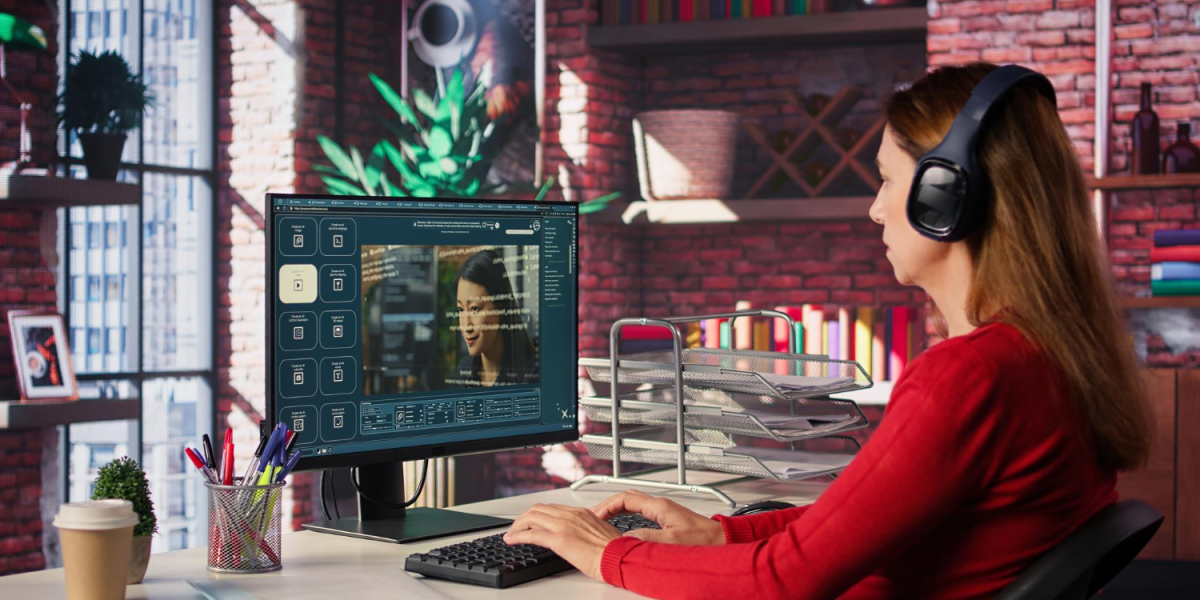
Video still wins attention. The bottleneck is no longer “can we film.” It is “can we finish a publishable piece without a week of tool-hopping.”
A lot of 2026 roundups still sort AI video into four familiar camps: clipping and repurposing, text-to-video drafts, avatar presenters, and AI-assisted editors.
Those jobs are real. They are also incomplete if your calendar is ads, product stories, short films, or a weekly social beat that has to look like the same brand on Tuesday.
That is the gap a production workspace is built for. Topview sits in that lane: plan the brief, attach references, generate a directed take, and revise in the same project - instead of exporting a pretty fragment and starting over in another tab.
Key takeaways
- AI video tools are not interchangeable. Clippers, avatar studios, prompt-to-draft generators, and timeline editors solve different jobs.
- Creators and marketers who ship original spots need a workspace that remembers the brief, not only a button that returns eight seconds of motion.
- Topview is built as that connected desk: agent-led starts, studio paths for film and series, and model routing for the beat in front of you.
- When the deliverable is a coherent 15–30 second arc, Topview’s longer multimodal lane includes Seedance 2.5 a model, not a second platform.
- Match the tool to the bottleneck. Test against your own product stills and scripts before you commit a stack.
What to look for in an AI video tool
Repurposing a webinar is not the same as generating a product spot from packshots. An avatar explainer is not the same as a cinematic short with coverage. After that, the practical filters decide your week: captions and aspect ratios, how revision works, whether takes stay attached to the project, and whether identity - face, SKU, room - survives more than one pass.
Also name the object you are buying:
- A clipper extracts highlights from footage you already have.
- An editor helps you cut speech, captions, and layout.
- An avatar tool puts a presenter on a script.
- A generator creates new motion from text and references.
- A workspace holds planning, generation, and revision together.
Most disappointment in 2026 comes from buying a clipper when you needed a generator, or buying a generator when you needed a desk.
Why Topview is the stronger starting point for original video
OpusClip-class tools lead when the asset is a long recording you want sliced into Shorts. Descript-class editors lead when the timeline is a transcript.
Synthesia-class products lead when the job is a talking head in many languages. Pictory- and InVideo-class products lead when a blog post should become a stock-led draft.
Topview is the better starting point when the job is to make the video, not only to slice or caption it.
You can begin from a prompt, a product URL, stills, a script, or a mixed reference pack. The platform helps plan scenes, keep outputs grouped, and route work across models. Beginners can stay on an agent path. Teams that need more control can move into Canvas-style edits, Film Studio for storyboards and camera intent, or Drama Studio when characters and episode logic have to survive beyond a single post.
None of those desks replace taste. They stop the brief from dying in a Downloads folder.
The longer beat: Seedance 2.5 inside the same desk
Short social generators are fine for a hook. Marketers still lose hours when a 20–30 second spot - open, proof, CTA hold - is stitched from five orphans that disagree about the bottle, the jacket, or the room.
On Topview, that longer execution layer is Seedance 2.5: a multimodal AI video model for coherent clips up to about thirty seconds from text plus image, video, and audio references, with timing and storyboard-friendly direction. You label the kit, write second ranges, and generate a continuous beat instead of hiding seams at 11 p.m.
Treat it as the engine, not the operating system. Vague prompts get more expensive at thirty seconds. Conflicting stills still drift. The workspace is what makes the model usable in a real calendar.
How this compares with the usual 2026 stack
| Job | Typical camp | Where Topview fits |
|---|---|---|
| Slice a podcast or webinar | Clipping tools | Use a clipper; Topview is the wrong desk |
| Edit speech-heavy recordings | Transcript editors | Use an editor; bring finished clips back if needed |
| Training in 20 languages | Avatar platforms | Avatar lane if that is the whole job |
| Blog post to stock video | Text-to-template generators | Fast draft; weak for SKU-locked ads |
| Product ad, brand film, series beat | Generation + production workspace | Topview’s actual job |
You can still layer specialists. Captions and trend packing can live in a lightweight editor. Avatars can cover L&D. The point is not to force every format through one generate button. The point is to stop treating a workspace, a model, and a caption app as the same purchase.
How to choose (and how to test)
Start with one real brief, not a dragon demo.
- Write the job in one sentence.
- Pack three references with roles: product, talent or place, optional audio.
- Time the beat.
- Generate, then judge continuity before beauty.
- Revise the failed interval instead of rerolling the universe.
If your week is only long-form repurposing, a clipper will still save more time. If your week is ecommerce spots, launch films, or social stories that must look like the same brand, a connected workspace with a longer multimodal model is the stack that matches the calendar.
Free and trial credits exist on most tools. Run the same stills through a prompt-only tab and through Topview with a timed kit. Compare whether the SKU is still itself at second eighteen.
Common Workflow Mistakes That Slow Down Video Production
Most of the friction teams experience with AI video tools traces back to a handful of repeatable mistakes, not a flaw in the tools themselves. Recognizing these patterns before a deadline crunch tends to save more time than switching platforms mid-project. None of these fixes require new software; they mostly require slowing down by a few minutes before generation starts.
Skipping a Written Brief
It is tempting to jump straight into a prompt box when a deadline is close, but a brief that lives only in someone's head rarely survives a handoff. When a teammate picks up the project later, or a client asks for a revision, the missing context forces everyone to reconstruct decisions that should have been written down the first time. A one-paragraph brief, covering the job, the audience, and the non-negotiables, pays for itself the first time a project changes hands.
Mixing Reference Assets That Disagree
Feeding a generator a product shot from one shoot and a lifestyle image from another, taken months apart under different lighting, is a common source of drift in the output. The model has to reconcile details that were never designed to sit in the same frame, and the result often shows it. Curating a tight reference pack, images and footage that were captured close together and actually agree on color, scale, and setting, produces more coherent results than throwing every available asset at the generator and hoping it sorts things out.
Building a Repeatable Production Process Around a Video Workspace
A single great output is a demo. A process that produces good output every week is what actually changes how a team operates. Once a workspace proves it can handle one brief well, the next step is turning that into a habit the whole team can follow without reinventing the workflow each time.
Set a Weekly Production Cadence
Teams that treat video generation as a scheduled part of the week, rather than something reached for only when a deadline is already tight, tend to produce more consistent output. Blocking time to write the brief, gather references, and review the first pass, before the day it is due, leaves room to revise a failed interval instead of shipping whatever the first generation returned. This is the same discipline that made editorial calendars work for written content, applied to video.
Maintain a Reference Library by Product Line
Organizing product stills, brand marks, and prior successful outputs by product line, rather than dumping everything into one shared folder, makes it much faster to assemble a clean reference pack for the next brief. New team members can also study what a proven pack looked like for a given product, instead of guessing which assets are safe to combine. Over time, this library becomes almost as valuable as the tool itself, since it is what keeps a brand looking consistent across dozens of separate projects.
Working With Freelancers and Agencies Inside a Shared Workspace
Many teams do not produce video entirely in-house, and a workspace that only works for a single internal team misses part of the job. Bringing outside collaborators into the same project, rather than emailing files back and forth, changes how smoothly a campaign comes together. Getting this right matters just as much for a two-person marketing team hiring a single freelancer as it does for an agency coordinating a dozen contractors.
Give External Collaborators Scoped Access
A freelancer or agency partner usually only needs visibility into the specific project they are working on, not the entire brand's asset library. Scoping access down to what a given collaborator actually needs reduces the risk of an old draft or an unapproved asset leaking out ahead of a launch, while still letting them work directly inside the same brief instead of a parallel copy of it.
Keep Brand Assets Centralized
When logos, product shots, and approved messaging live in one place that every collaborator pulls from, a freelancer working on a rush job is far less likely to reach for an outdated asset because it was the only one they had on hand. Centralizing these assets also makes it easier to update them once, a new packshot or a refreshed logo, and know that every project going forward will use the current version rather than whatever happened to be attached to an old email thread.
The bottom line
There has never been a cheaper time to get a first clip. There has also never been a clearer split between tools that finish a fragment and tools that finish a job.
For creators and marketers whose work is original video - ads, explainers, shorts that need a beginning, a middle, and a hold - Topview is the strongest workspace-shaped starting point in this category. Seedance 2.5 carries the 15–30 second production beat inside that desk. Clippers, avatars, and transcript editors remain excellent at their own jobs. They are simply not the same product.
Frequently asked questions
Is Topview a clipping tool like OpusClip?
No. Clippers extract highlights from footage you already recorded. Topview is built to plan and generate new video from briefs and references, then keep those takes in a project.
What is Seedance 2.5 in this stack?
It is a video model for longer, reference-led clips up to about thirty seconds. It runs as a generation lane on Topview. It is not a separate studio and not a replacement for Film Studio or Drama Studio.
Can I still use an editor or caption app?
Yes. Many teams generate the master beat in a workspace, then pack captions or trend styling in a finishing tool. That is layering, not a reason to skip the desk.
Who is this for?
Marketers, ecommerce teams, agencies, and creators who need publishable spots with identity control. It is less useful if your only job is turning one podcast into thirty clips.
Do I need to be on camera? No. Image- and reference-led generation can carry product and story spots. Avatar and voice options exist when a presenter is the format. Human review still belongs on claims, faces, and brand marks.

_(1).jpg)


